Artificial intelligence now influences nearly every Google service—from Search to Maps to the new Gemini-powered apps. As these tools become more personalized and more powerful, millions of users are becoming increasingly aware of how much personal information is collected behind the scenes.Google AI data deletion guide
This has created a huge demand for Google AI data deletion: the process of removing your digital footprint, stopping Google from storing new data, and preventing AI systems from using your activity to personalize results.
This guide breaks down everything you need to know, step by step, using the latest 2025 privacy tools and updates.
🌐 1. Understanding How Google AI Uses Your Data


Google collects data for several reasons:
-
Improving search accuracy
-
Training AI to understand patterns
-
Personalizing content and recommendations
-
Enhancing navigation, ads, and voice assistants
However, not all data is treated the same, and not all of it is used for AI training.
✔ Data NOT used for AI training
Google does not use private content such as:
-
Gmail
-
Google Photos
-
Drive files
-
Docs or Sheets
✔ Data that CAN influence AI personalization
If activity tracking is enabled, Google can use:
-
Search queries
-
YouTube activity
-
Maps history
-
App usage
-
Assistant interactions
Fortunately, all of this can be erased or disabled.
You May Also Read Top AI Side Hustles for 2026: Friendly Guide to Earning With Artificial Intelligence
🧭 2. Why Google AI Data Deletion Matters


AI models grow stronger by learning from patterns in user behavior. But this also means:
-
Your search habits shape recommendations
-
Your location history influences suggestions
-
Your YouTube watch pattern affects content
-
Your voice inputs improve recognition
For people concerned about digital privacy, clearing this data is essential.
Benefits of deleting your data:
-
More privacy and anonymity
-
Less targeted advertising
-
Removing sensitive activity traces
-
Cleaner AI suggestions
-
Reduced risk during data breaches
Google has added several tools in 2024–2025 to make data deletion easier and more transparent.
🔧 3. How to Delete All Google AI Data Step-by-Step
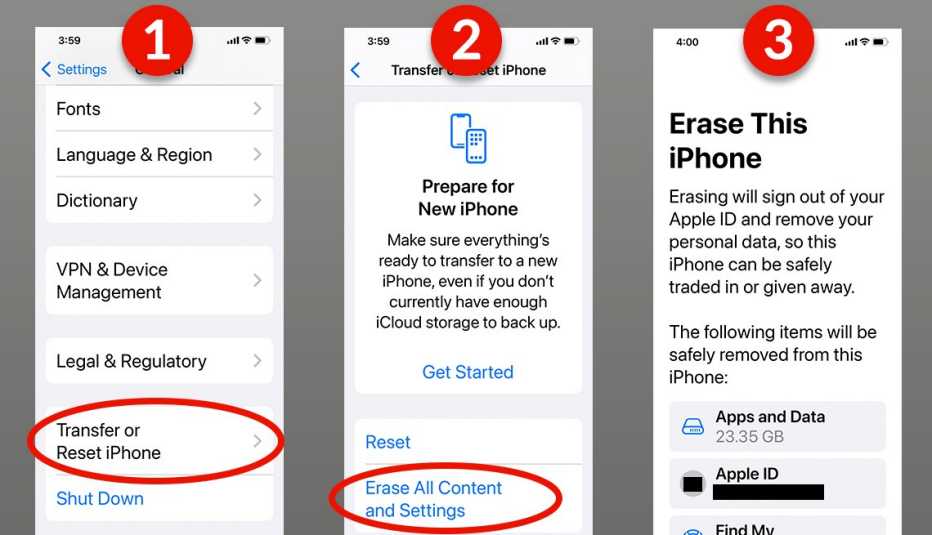

Let’s go through the most important data categories one by one.
Step 1 — Erase Your Search Activity
This wipes everything Gemini, Google Search, and Chrome use for personalization.
How to delete:
-
Visit myactivity.google.com
-
Select Web & App Activity
-
Click Delete → All time
This removes:
-
Search history
-
Google Assistant activity
-
Website interactions
Step 2 — Delete YouTube Activity


YouTube is one of the biggest sources of AI training signals.
To delete:
-
Go to YouTube History
-
Select Delete All
-
Turn OFF YouTube History to stop future tracking
This resets recommendations and removes your viewing data from personalization systems.
Step 3 — Remove Voice & Audio Activity
Google Assistant and Android microphone interactions are stored unless disabled.
-
Open My Activity → Voice & Audio
-
Delete all recordings
-
Toggle OFF Audio recording
Your voice will no longer be used to improve AI understanding.
Step 4 — Clear Maps & Location History
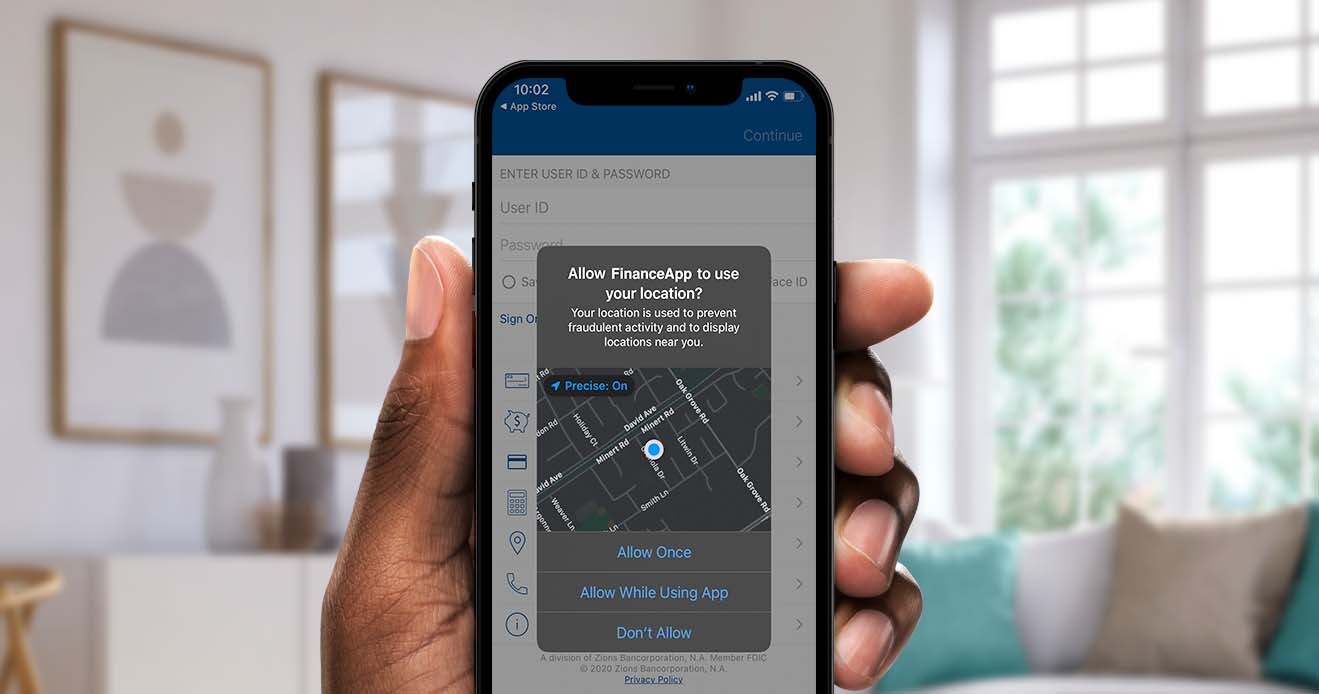
Your movement history is one of the most valuable data points Google collects.
Delete it:
-
Open Google Maps
-
Go to Your Timeline
-
Tap Settings → Location History → Delete All
Disable tracking to ensure future trips aren’t recorded.
Step 5 — Delete Google Discover & App Activity
Discover cards use your search and browsing habits.
To wipe it:
-
Open your Google app
-
Go to Settings → Data & Privacy
-
Delete personalization data
This prevents Google from predicting your interests.
⚙️ 4. How to Stop Google From Collecting New Data
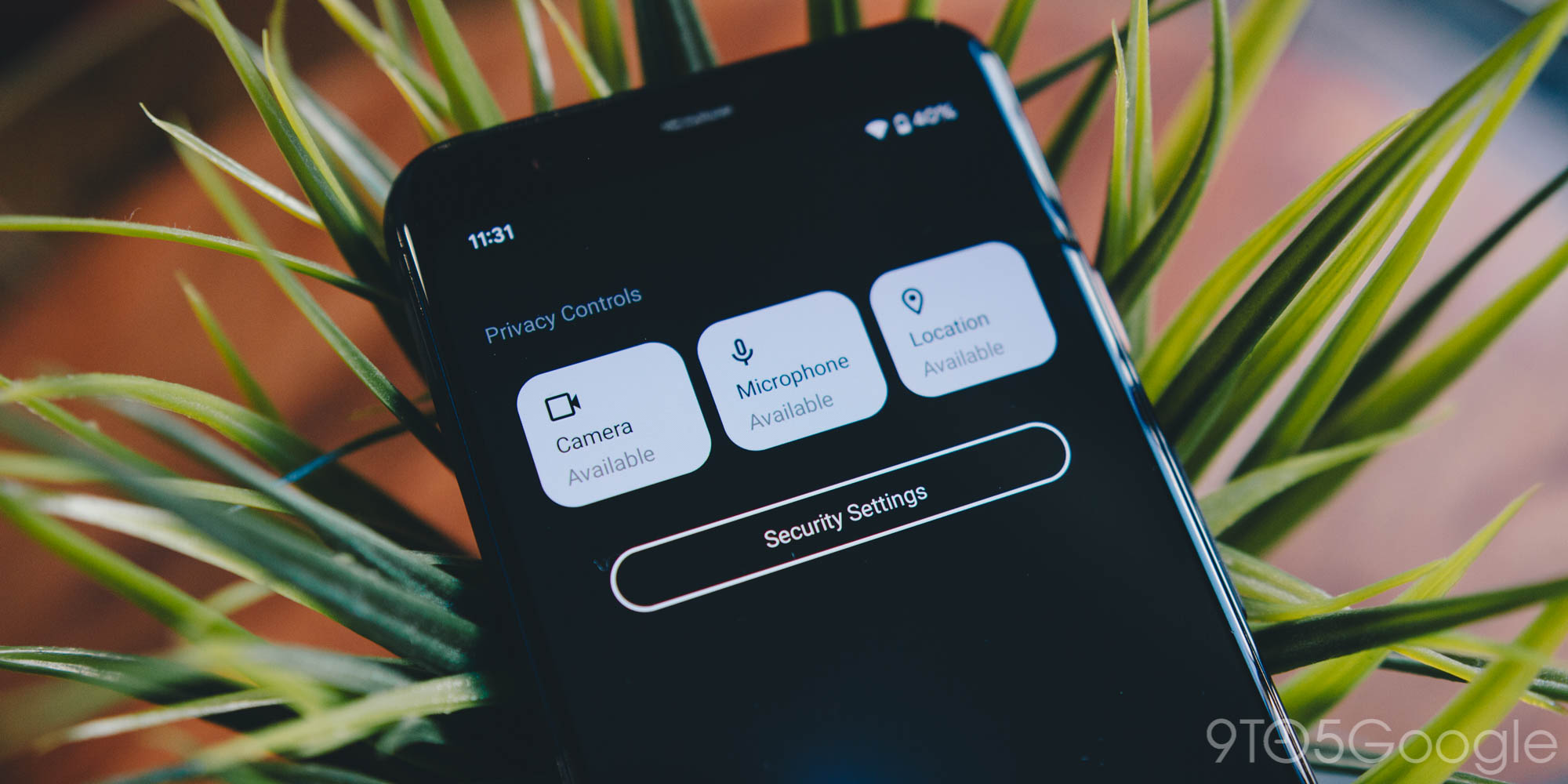

Deleting data is important, but preventing new collection is even more powerful.
Turn Off Activity Tracking
Visit:
👉 myactivity.google.com/activitycontrols
Turn OFF:
-
Web & App Activity
-
YouTube History
-
Location History
Enable Auto-Delete
Still on the same page, set auto-delete to:
-
Every 3 months (recommended)
-
Or turn off history completely
This ensures Google never keeps data long enough for deep AI pattern learning.
Disable Ad Personalization
Go to:
👉 adssettings.google.com
Turn OFF:
-
Personalized ads
-
Interest-based recommendations
This significantly reduces AI-based profiling.
📱 5. Google AI Data Deletion on Android Devices


Android integrates Google services deeply, so deleting data from your phone is essential.
Steps:
-
Go to Settings
-
Tap Google
-
Select Manage your Google Account
-
Navigate to Data & Privacy
-
Delete activity categories one by one
-
Turn OFF tracking options
This syncs deletion across all devices linked to your Google account.
🧰 6. Removing Personal Information From Google Search Results
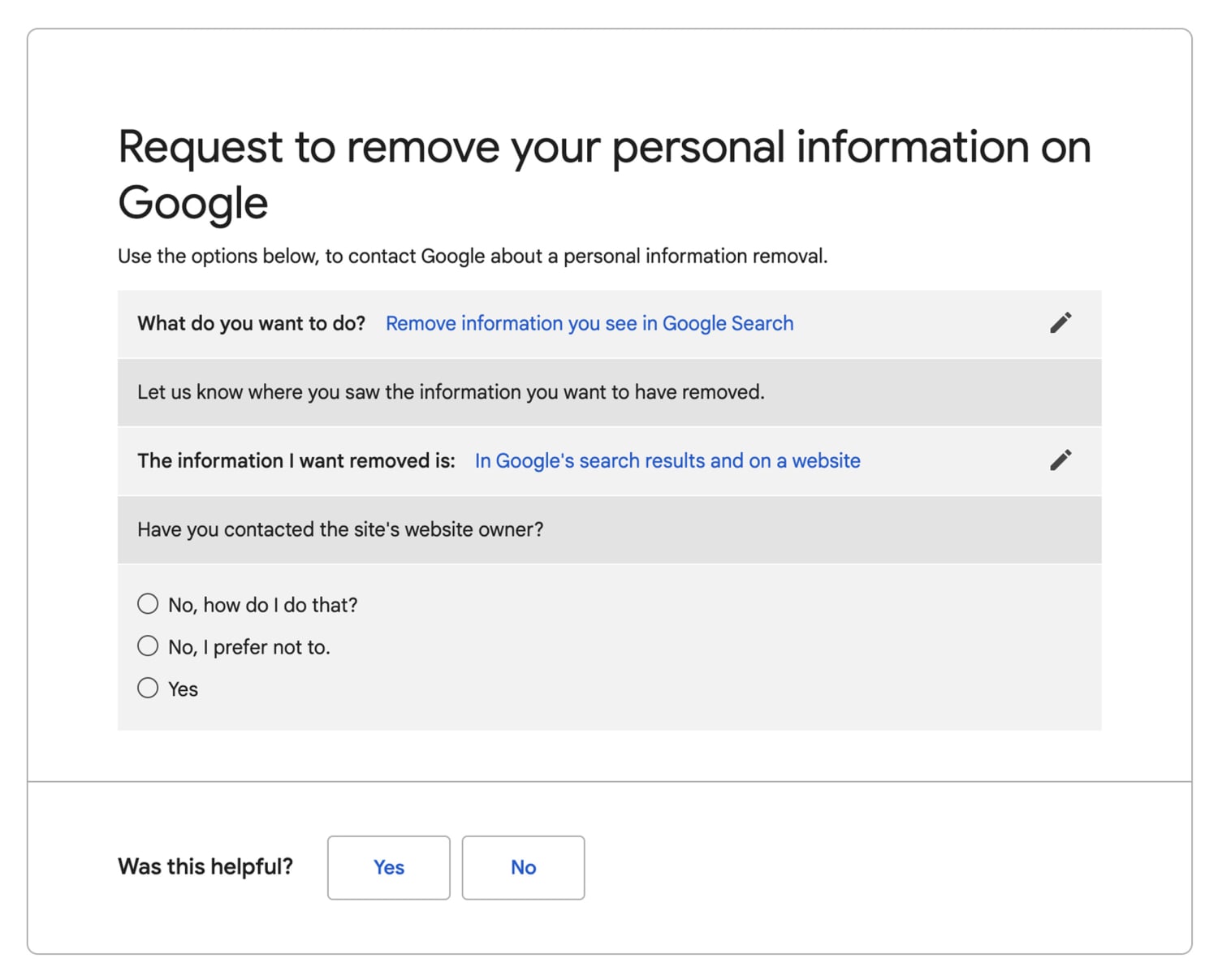

Google’s Results About You tool helps you remove sensitive personal information appearing online.
You can request removal of:
-
Phone numbers
-
Home addresses
-
Legal names
-
Personal documents
-
Images of you
-
Doxxing content
Use:
👉 myactivity.google.com/results-about-you
This protects your identity even beyond your own account.
❗ 7. Can Google Delete AI Training Data Completely?
This question has become more common in 2025.
Here’s the truth:
✔ You CAN delete:
-
Your activity
-
Personal information
-
Your account entirely
❌ You CANNOT remove:
-
Data used from public websites
-
Anonymous pattern learning within AI models
Why?
Because AI models don’t store personal data directly—they store patterns learned from massive datasets.
However, deleting your Google data ensures:
-
Your future activity won’t influence AI
-
Your profile stops being used in personalization
-
Your account becomes more private
🧹 8. The Nuclear Option — Delete Your Entire Google Account
If you want absolute data deletion, this is the final step.
This removes:
-
Gmail
-
Google Photos
-
YouTube
-
Drive
-
Calendar
-
Play Store data
-
Backups
To delete:
Settings → Google Account → Data & Privacy → Delete account
This is irreversible, but guarantees full removal of your account-linked data.
⭐ Conclusion: You’re in Control
Google’s AI systems are powerful, but so are the privacy tools designed to help you manage your data. Whether you want to:
-
Reset your online footprint
-
Stop Google from tracking your activity
-
Remove personal details from search results
-
Prevent future AI personalization
You now have full control.
With the right privacy settings, you can enjoy Google services while protecting your digital identity.


Pingback: Interstellar Comet 3I/ATLAS: The Mysterious Visitor From Beyond Our Solar System (2026 Full Guide) - Nxtainews